Brand guidelines
Use these Show Corporation logos in press coverage, articles and partner listings. Download the version you need and follow the usage guidelines below.
Logo files
Download SVG, PNG or WebP files. PNG and WebP files are 2048px on the long edge. The backgrounds are transparent; app icons include a rounded background tile.


Logo with company name
PrimaryThe symbol and company name together. Use this version when there is enough room.





Symbol
StandaloneThe mountain symbol without the company name. Use it when the name appears nearby or space is narrow.





Icon
SquareThe symbol in a square with space around it, ready for social media profiles and favicons.
Symbol construction
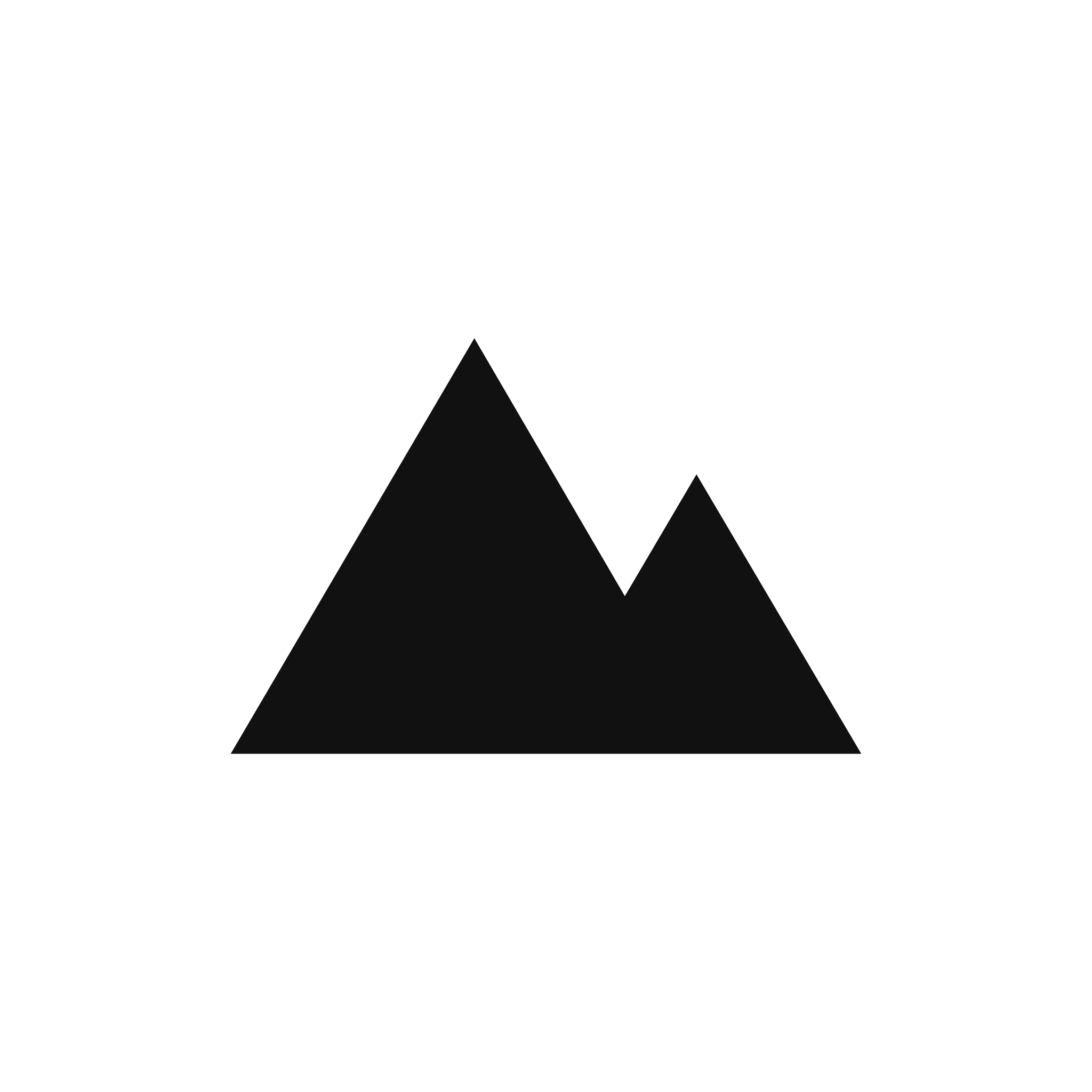
Five points on a 100 × 100 grid form the two peaks. The examples below show the coordinates and how the symbol looks at sizes down to 16px.
- Left base
- 6, 82
- Main peak
- 40, 24
- Valley
- 61, 60
- Second peak
- 71, 43
- Right base
- 94, 82
Colors and backgrounds
The standard colors are black (#111111) and white (#FFFFFF). Use the controls below to preview other combinations. Downloaded SVGs use your chosen logo color and keep a transparent background.
Using the logo online
Use the downloaded files on your site, or copy an example below to load the logo directly from its URL.
<img src="https://show.ad.jp/logo/lockup-black.svg" alt="Show Corporation" height="32"><picture>
<source srcset="https://show.ad.jp/logo/lockup-white.svg" media="(prefers-color-scheme: dark)">
<img src="https://show.ad.jp/logo/lockup-black.svg" alt="Show Corporation" height="32">
</picture>Clear space
Leave space around the logo equal to at least half the symbol's height.
Minimum size
Use the logo with the company name at a width of at least 120px. Keep the symbol and icons at 16px or larger.
Recommended use
- Use the black logo on light backgrounds and the white logo on dark ones
- Choose colors that keep the logo clearly visible against the background
- Keep the aspect ratio when resizing
- Use SVG on the web and anywhere the logo is scaled
Avoid
- Stretch, rotate or change the proportions
- Add shadows, outlines, gradients or other effects
- Use photos, patterns or background colors that make the logo hard to see
- Rearrange or resize the symbol and name relative to each other
Need a format or size that isn't here?Contact us